
Qwest users log in with their Qwest CUID and LDAP password. To change their passwords, Qwest users must contact the Qwest IT Help Desk.
Open a browser window and go to http:// asrprod.qintra.com/ qora. The QORA™ login page appears.
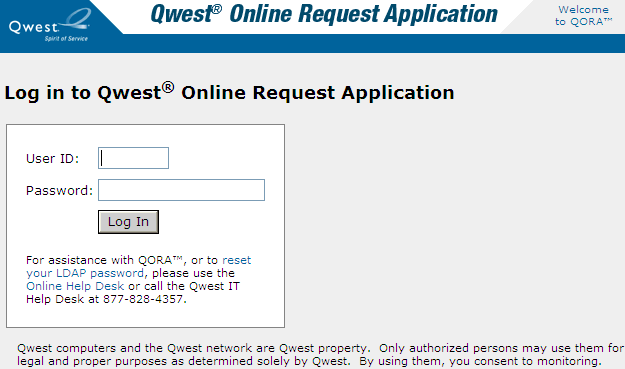
In the User ID field, type your CUID.
In the Password field, type your LDAP password.
Click Log In. The main window appears.
Caution: For security reasons, QORA™ locks a user’s account after five consecutive unsuccessful login attempts. This lockout condition lasts for 30 minutes. To unlock an account sooner (after a password has been reset by the help desk if needed), the user can contact another QORA™ user to unlock the account.