
You can create a new request or copy an existing unsubmitted or submitted request and use it as a template to create new requests.
Do one of the following:
create a new request (see Creating a New Request)
copy an existing request (see Copying a Request)
In either of the above cases, enter a PON for the request (or edit the PON ) that uniquely identifies it as a template. For example, if your first name is Fred, you could enter something like FRED-TEMPLATE-A. Be consistent so that you can easily find your templates later.
Once you have created or copied the request, click the Unsubmitted tab to view your unsubmitted requests.
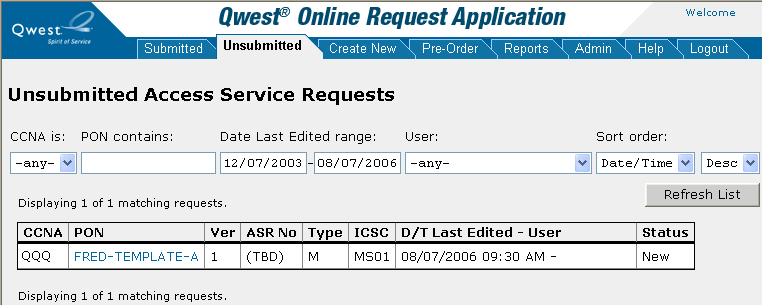
To use one of the request templates you created, click the PON for the request.
Copy the request (see Copying a Request) and edit it as desired (see Editing a Request).
Note: You can continue to use request templates over and over.