Downloading the Report as a CSV Text File

You can save reports you generate in CORA™ in a Comma Separated Values (CSV) file format.

Note: This does not save the report in CORA™—it saves the report in a format you can open and print in other applications you choose.

  1. Create a report.

  2. Click the Download Report as .CSV Text File link at the top or bottom of the report page. A File Download message may appear depending on your browser and its security settings. If so, click Open.
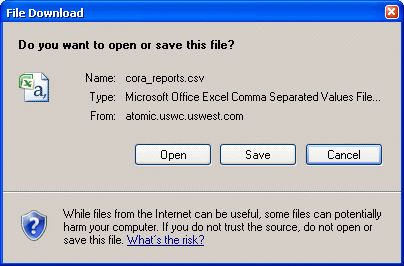
     

    download
  3. Save the file to disk or view and print it as you normally would within the application you are using.