

To check the status of one or more requests:
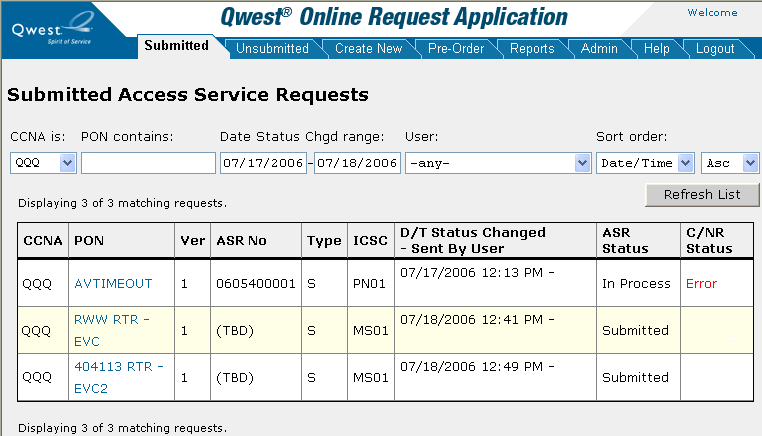
Click the Submitted or Unsubmitted tab.
Note: See Searching for a Request to View ASR Status under the Reports tab for information about another way to view the status of an ASR and access a DLR for an ASR.
Sort and filter the listed requests as desired. (See Searching For a Request.)
Find the request in the list and read its status in the column of the table.
Note: You can request to receive an e-mail notice each time the status of an ASR changes by contacting the Help Desk.